
Payments
Payment posting
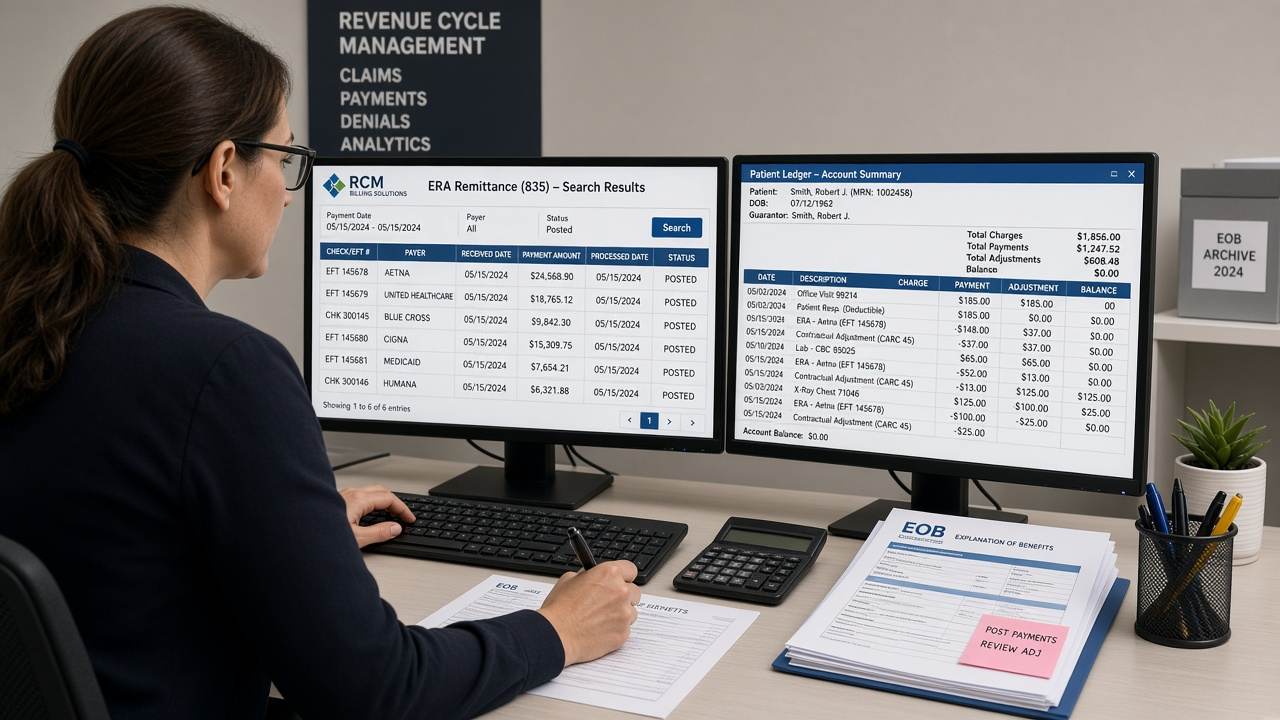
Post once, into a ledger that only ever adds. Allocate payer payments to claims and lines. Financial history is append-only: corrections are new entries, never edits, so you can always see how a balance got where it is. When a past posting can be overwritten, month-end reconciliation becomes detective work. What ships here includes claim and line-level allocation; append-only financial history. Used day to day by accountant, biller roles, with availability marked available. Open the sample screen, then walk the steps below — or book a demo and put your hand on the same flow with synthetic data.
Sample payment posting screen with synthetic data.
A/R aging · payer responsibility
What it is
Allocate payer payments to claims and lines. Financial history is append-only: corrections are new entries, never edits, so you can always see how a balance got where it is.
The problem it solves
When a past posting can be overwritten, month-end reconciliation becomes detective work. Accountants need to trust that history stays history.
Process
How payment posting works
- 1
Start from remittance
Open a normalized ERA or record a payment.
- 2
Allocate
Apply amounts to claims and service lines.
- 3
Write to the ledger
Each posting becomes a permanent entry.
- 4
Correct with new entries
Mistakes are fixed by adding reversing entries, so the trail stays complete.
What's included
Everything below is part of payment posting today.
- Claim and line-level allocation
- Append-only financial history
- Reversals instead of edits
- Patient responsibility carried to statements
- Feeds aging and reports instantly
- Every posting tied to a person
The guardrail
No one, including admins, can silently rewrite a posted amount.
Where it fits: the full rcm loop
Payment posting is one step in the full rcm loop. The workflow page shows every step around it, who owns each one, and where a person signs off.
Audience
Who uses it
Accountant, Biller work with payment posting day to day. Access always follows what your admin assigns.
More in Payments

How it works
Medical billing professionals working claims and RCM in a US billing office
How it works
Post once, into a ledger that only ever adds.
Allocate payer payments to claims and lines. Financial history is append-only: corrections are new entries, never edits, so you can always see how a balance got where it is.
Proof points
- Claim and line-level allocation
- Append-only financial history
- Reversals instead of edits

In practice
Medical billing professionals working claims and RCM in a US billing office
In practice
Where payment posting shows up
When a past posting can be overwritten, month-end reconciliation becomes detective work. Accountants need to trust that history stays history.
Proof points
- Start from remittance
- Allocate
- Write to the ledger
About this feature
How do we fix a wrong posting?
Add a correcting entry. The original stays visible, which is what auditors want to see.
Does posting update A/R?
Immediately.
Can AI post payments?
No. Posting is always a human action.
Want to walk MEDBIX against your real claim mix?
Thirty minutes with sample data. We'll follow one claim through the gate, then talk about your payers, practices and where the rework hurts today.
Notes from the billing floor
Occasional, practical writing on denials, A/R and running a billing company. No spam, unsubscribe any time.