
Denials & A/R
A/R aging
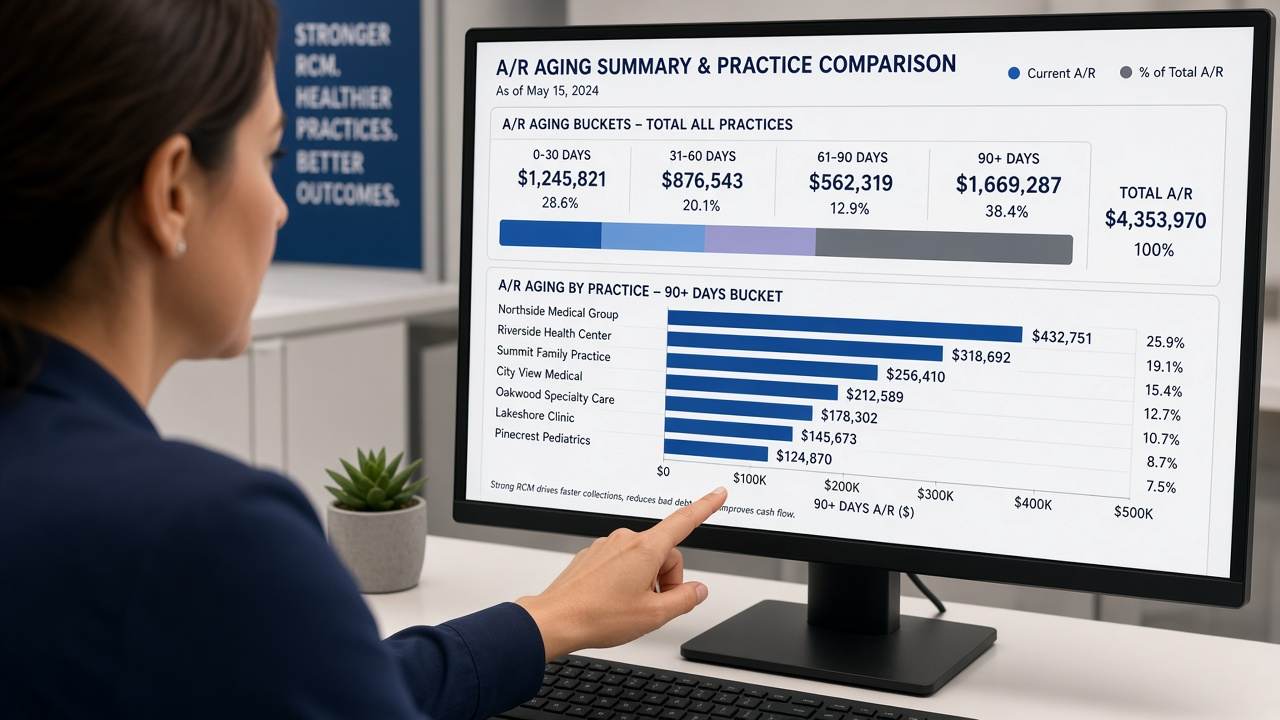
Every open balance, in the buckets your clients ask about. A/R aging groups outstanding balances into aging buckets across practices and payers, so supervisors and accountants can see where money is stuck and who should be chasing it. Aging reports built by hand are out of date the moment they're emailed. What ships here includes standard aging buckets; payer and patient responsibility views. Used day to day by accountant, supervisor, admin roles, with availability marked available. Open the sample screen, then walk the steps below — or book a demo and put your hand on the same flow with synthetic data.
Sample a/r aging screen with synthetic data.
A/R aging · payer responsibility
The problem it solves
Aging reports built by hand are out of date the moment they're emailed. Clients ask "what's over 90 days?" and the answer takes an afternoon.
What it is
A/R aging groups outstanding balances into aging buckets across practices and payers, so supervisors and accountants can see where money is stuck and who should be chasing it.
Process
How a/r aging works
- 1
Balances update as work happens
Postings and adjustments change balances in the same system, so aging stays current.
- 2
Bucket and filter
View aging by practice, payer or patient responsibility.
- 3
Drill into accounts
Go from a bucket straight to the claims that make it up.
- 4
Share with clients
Export or print the view your client needs.
What's included
Everything below is part of a/r aging today.
- Standard aging buckets
- Payer and patient responsibility views
- Per-practice and company-wide totals
- Drill-down to claims
- Export and print
- Accountant role access without the claims workbench
The guardrail
Aging is read from the append-only financial history, so numbers can be traced back to entries.
Where it fits: the full rcm loop
A/R aging is one step in the full rcm loop. The workflow page shows every step around it, who owns each one, and where a person signs off.
Audience
Who uses it
Accountant, Supervisor, Admin work with a/r aging day to day. Access always follows what your admin assigns.
More in Denials & A/R
How it works
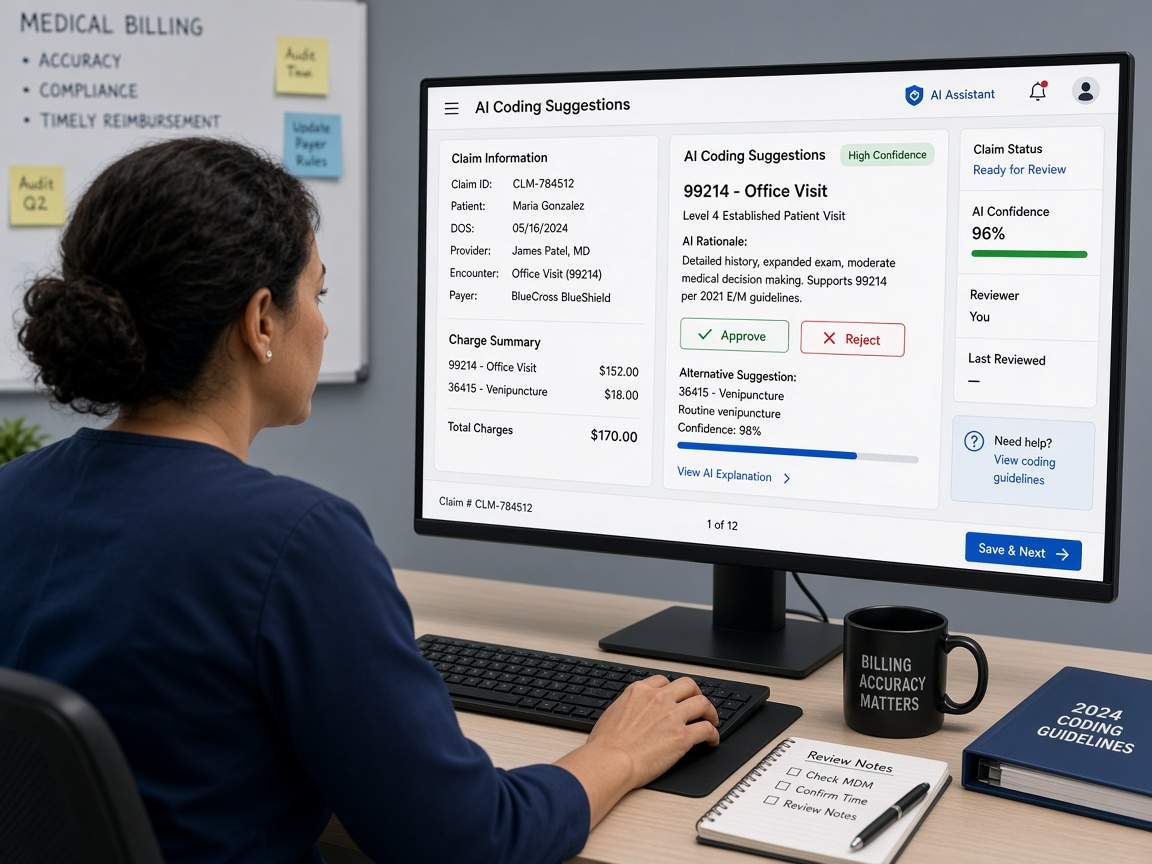
Medical billing professionals working claims and RCM in a US billing office
How it works
Every open balance, in the buckets your clients ask about.
A/R aging groups outstanding balances into aging buckets across practices and payers, so supervisors and accountants can see where money is stuck and who should be chasing it.
Proof points
- Standard aging buckets
- Payer and patient responsibility views
- Per-practice and company-wide totals
In practice
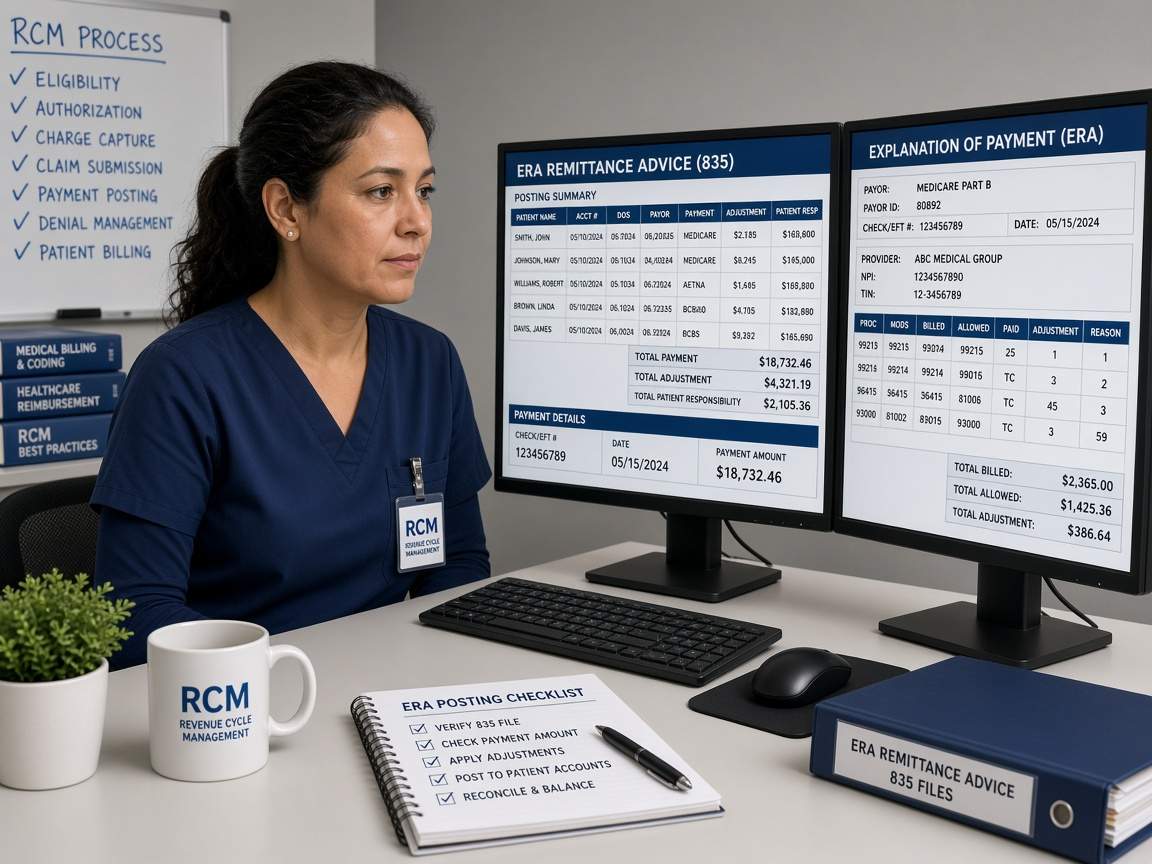
Medical billing professionals working claims and RCM in a US billing office
In practice
Where a/r aging shows up
Aging reports built by hand are out of date the moment they're emailed. Clients ask "what's over 90 days?" and the answer takes an afternoon.
Proof points
- Balances update as work happens
- Bucket and filter
- Drill into accounts
About this feature
Can accountants see A/R without touching claims?
Yes, that's exactly what the Accountant role is for.
Can we show aging per client practice?
Yes.
Is it real-time?
It reflects postings and adjustments as they're recorded.
Want to walk MEDBIX against your real claim mix?
Thirty minutes with sample data. We'll follow one claim through the gate, then talk about your payers, practices and where the rework hurts today.
Notes from the billing floor
Occasional, practical writing on denials, A/R and running a billing company. No spam, unsubscribe any time.