
Practice ops
Multi-practice tenancy
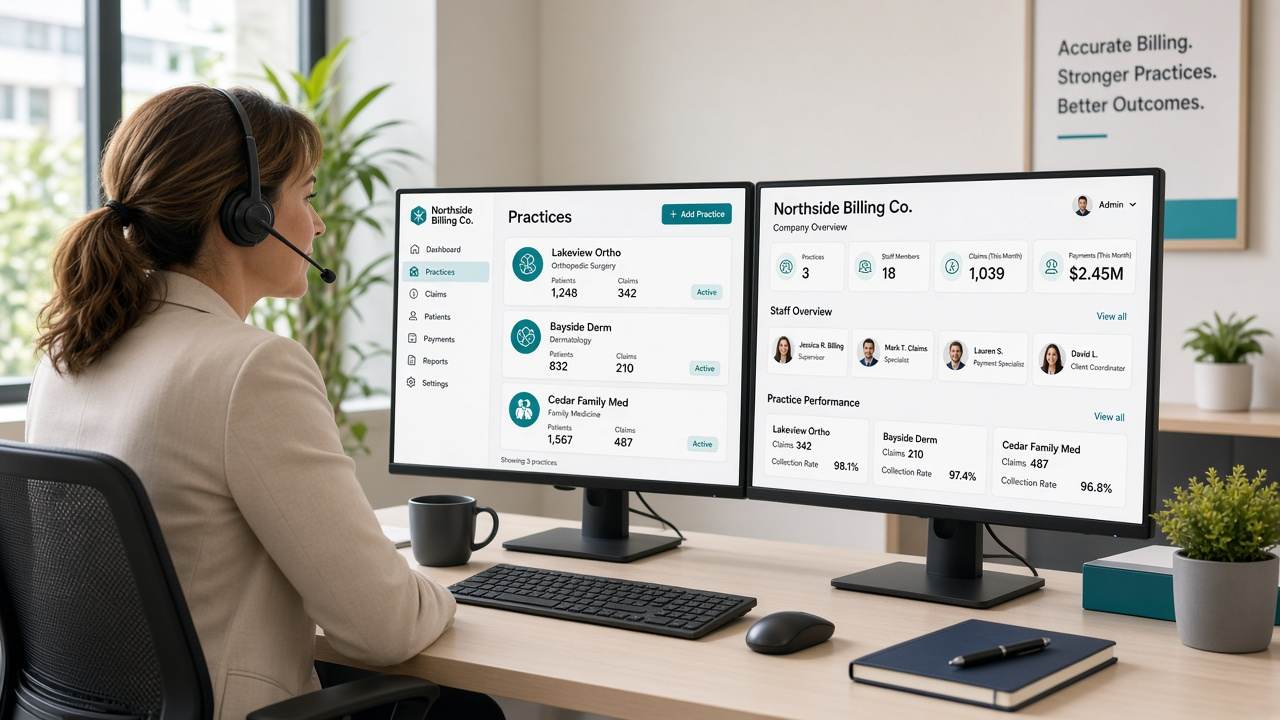
One company account. Many client practices. Clean walls between them. Your billing company is the tenant. Each client practice sits underneath it with its own patients, encounters, claims and statements. Running fifteen clients across fifteen logins, or one shared spreadsheet, is how mistakes and data leaks happen. What ships here includes billing company as tenant; unlimited structure of client practices. Used day to day by admin, supervisor roles, with availability marked available. Open the sample screen, then walk the steps below — or book a demo and put your hand on the same flow with synthetic data.
Sample multi-practice tenancy screen with synthetic data.
Northside Billing Co.
tenant · 12 staff
Lakeview Ortho
patients · claims · statements
Bayside Derm
patients · claims · statements
Cedar Family Med
patients · claims · statements
Process
How multi-practice tenancy works
- 1
Your company is the tenant
Everything you do lives inside your company account.
- 2
Add client practices
Each practice gets its own space for patients, claims and statements.
- 3
Scope your staff
Assign billers to the practices they work.
- 4
Isolation underneath
Each billing company's data stays separate at every layer — not only in the interface.
What it is
Your billing company is the tenant. Each client practice sits underneath it with its own patients, encounters, claims and statements. Billers can be scoped to specific practices. Other billing companies can never see your data.
The problem it solves
Running fifteen clients across fifteen logins, or one shared spreadsheet, is how mistakes and data leaks happen.
What's included
Everything below is part of multi-practice tenancy today.
- Billing company as tenant
- Unlimited structure of client practices
- Practice-scoped billers
- Tenant isolation enforced at every layer
- Company-wide views for supervisors
- Solo practices can be their own tenant
The guardrail
Isolation is enforced at every layer, not just by the screens.
Where it fits: tenancy model
Multi-practice tenancy is one step in tenancy model. The workflow page shows every step around it, who owns each one, and where a person signs off.
Audience
Who uses it
Admin, Supervisor work with multi-practice tenancy day to day. Access always follows what your admin assigns.
How it works
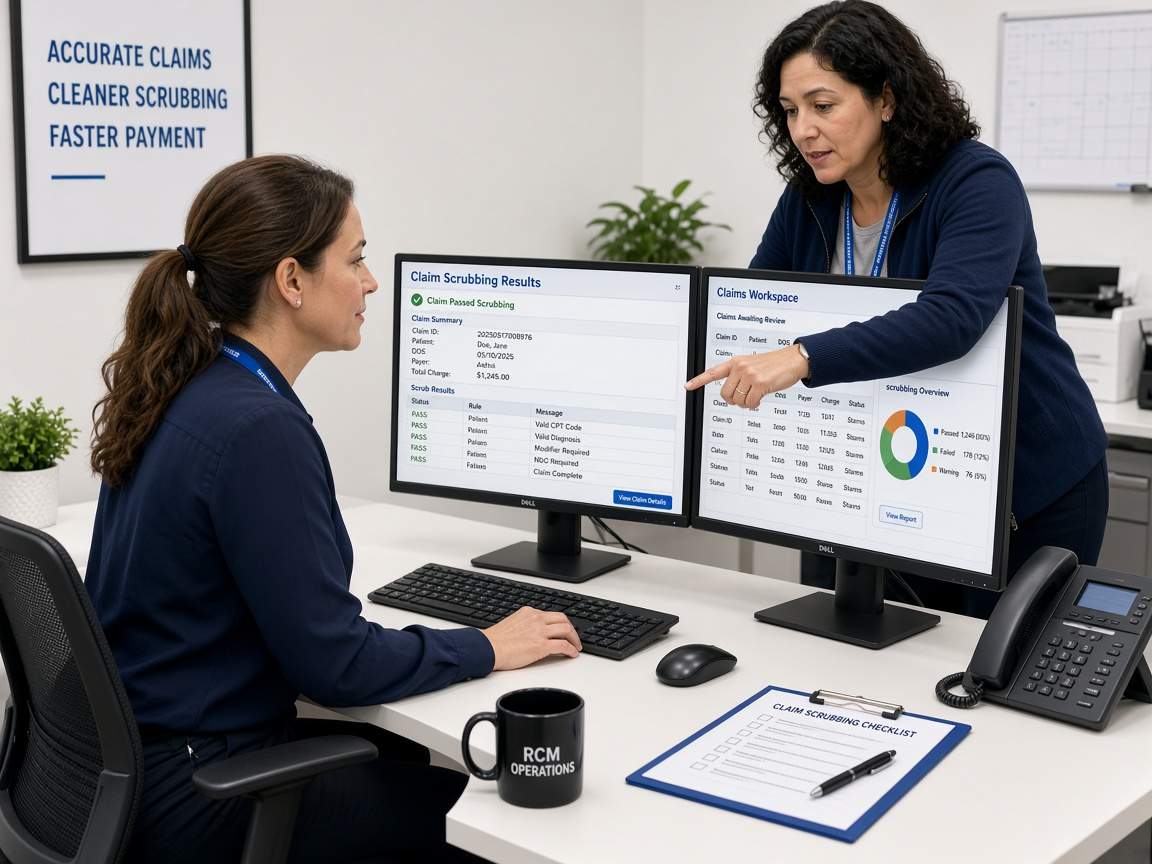
Medical billing professionals working claims and RCM in a US billing office
How it works
One company account. Many client practices. Clean walls between them.
Your billing company is the tenant. Each client practice sits underneath it with its own patients, encounters, claims and statements. Billers can be scoped to specific practices. Other billing companies can never see your data.
Proof points
- Billing company as tenant
- Unlimited structure of client practices
- Practice-scoped billers
In practice
Medical billing professionals working claims and RCM in a US billing office
In practice
Where multi-practice tenancy shows up
Running fifteen clients across fifteen logins, or one shared spreadsheet, is how mistakes and data leaks happen.
Proof points
- Your company is the tenant
- Add client practices
- Scope your staff
About this feature
Can a solo practice use MEDBIX?
Yes. They onboard as their own billing company tenant and act as the tenant admin.
Can practices log in themselves?
Practice staff can be users inside your company account with the right role.
Is data really separated?
Yes — each billing company's data stays separate by design, not just by filters in the interface.
Want to walk MEDBIX against your real claim mix?
Thirty minutes with sample data. We'll follow one claim through the gate, then talk about your payers, practices and where the rework hurts today.
Notes from the billing floor
Occasional, practical writing on denials, A/R and running a billing company. No spam, unsubscribe any time.