
Practice ops
Provider & payer enrollment tracker
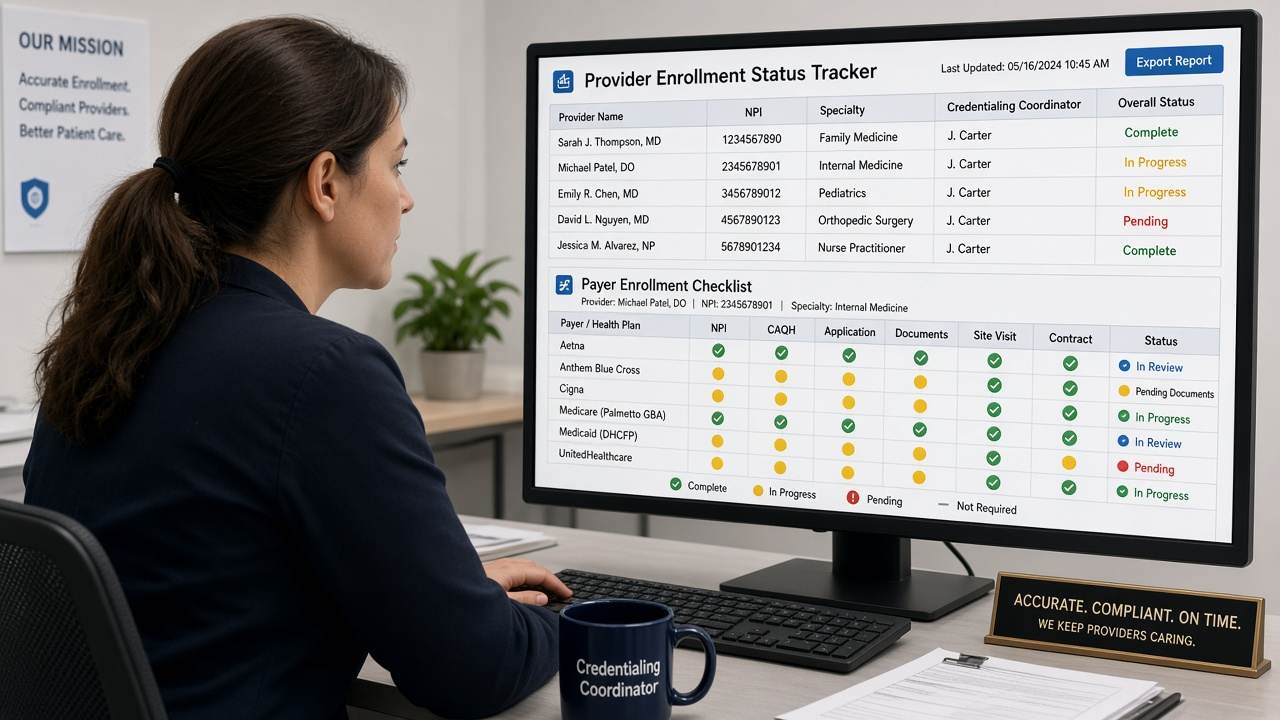
Providers, licenses and payer enrollments in one place. Track providers, licenses and payer enrollment readiness for each client practice, so you know who can bill whom before claims are written. A provider who isn't enrolled with a payer generates denials that no correction can fix. What ships here includes provider records per client practice; license tracking. Used day to day by admin, supervisor roles, with availability marked available. Open the sample screen, then walk the steps below — or book a demo and put your hand on the same flow with synthetic data.
Sample provider & payer enrollment tracker screen with synthetic data.
Admin console · users & practices
| User | Role | Practices | 2FA |
|---|---|---|---|
| T. Brooks | Supervisor | All | |
| K. Ahmed | Biller | Lakeview, Bayside | |
| L. Ortiz | Accountant | All (finance) | off |
Process
How provider & payer enrollment tracker works
- 1
Add providers
Record licenses and enrollment details.
- 2
Track payer enrollments
See which payers each provider is ready to bill.
- 3
Watch expirations
Spot renewals before they lapse.
- 4
Bill with confidence
Know participation status while building claims.
What it is
Track providers, licenses and payer enrollment readiness for each client practice, so you know who can bill whom before claims are written.
The problem it solves
A provider who isn't enrolled with a payer generates denials that no correction can fix. Enrollment tracking usually lives in a separate spreadsheet nobody checks.
What's included
Everything below is part of provider & payer enrollment tracker today.
- Provider records per client practice
- License tracking
- Payer enrollment readiness
- Expiry visibility
- Per-practice providers
- Admin console access
The guardrail
Enrollment data stays with the practice it belongs to.
Where it fits: tenancy model
Provider & payer enrollment tracker is one step in tenancy model. The workflow page shows every step around it, who owns each one, and where a person signs off.
Audience
Who uses it
Admin, Supervisor work with provider & payer enrollment tracker day to day. Access always follows what your admin assigns.

How it works
Medical billing professionals working claims and RCM in a US billing office
How it works
Providers, licenses and payer enrollments in one place.
Track providers, licenses and payer enrollment readiness for each client practice, so you know who can bill whom before claims are written.
Proof points
- Provider records per client practice
- License tracking
- Payer enrollment readiness
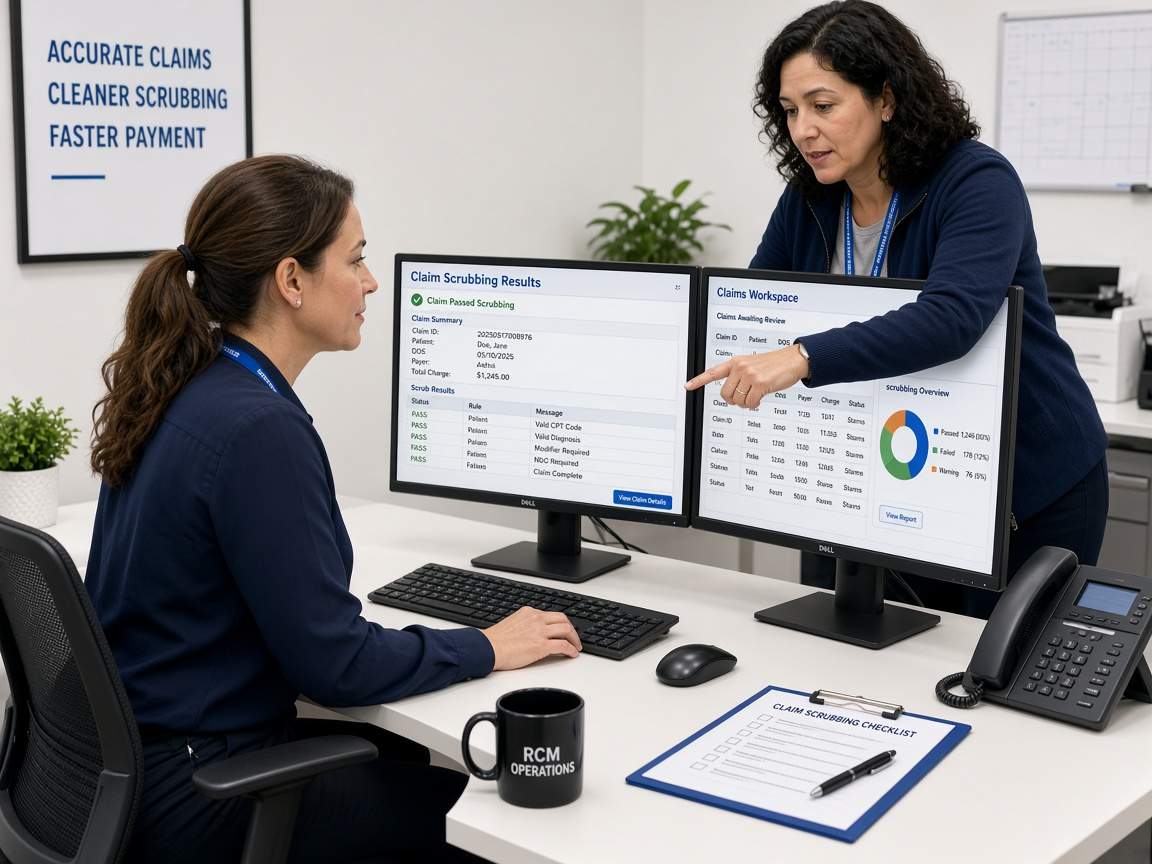
In practice
Medical billing professionals working claims and RCM in a US billing office
In practice
Where provider & payer enrollment tracker shows up
A provider who isn't enrolled with a payer generates denials that no correction can fix. Enrollment tracking usually lives in a separate spreadsheet nobody checks.
Proof points
- Add providers
- Track payer enrollments
- Watch expirations
About this feature
Does MEDBIX submit enrollment applications?
No, it tracks status and readiness.
Can we track many providers per practice?
Yes.
Who can see it?
Admins and supervisors by default.
Want to walk MEDBIX against your real claim mix?
Thirty minutes with sample data. We'll follow one claim through the gate, then talk about your payers, practices and where the rework hurts today.
Notes from the billing floor
Occasional, practical writing on denials, A/R and running a billing company. No spam, unsubscribe any time.